
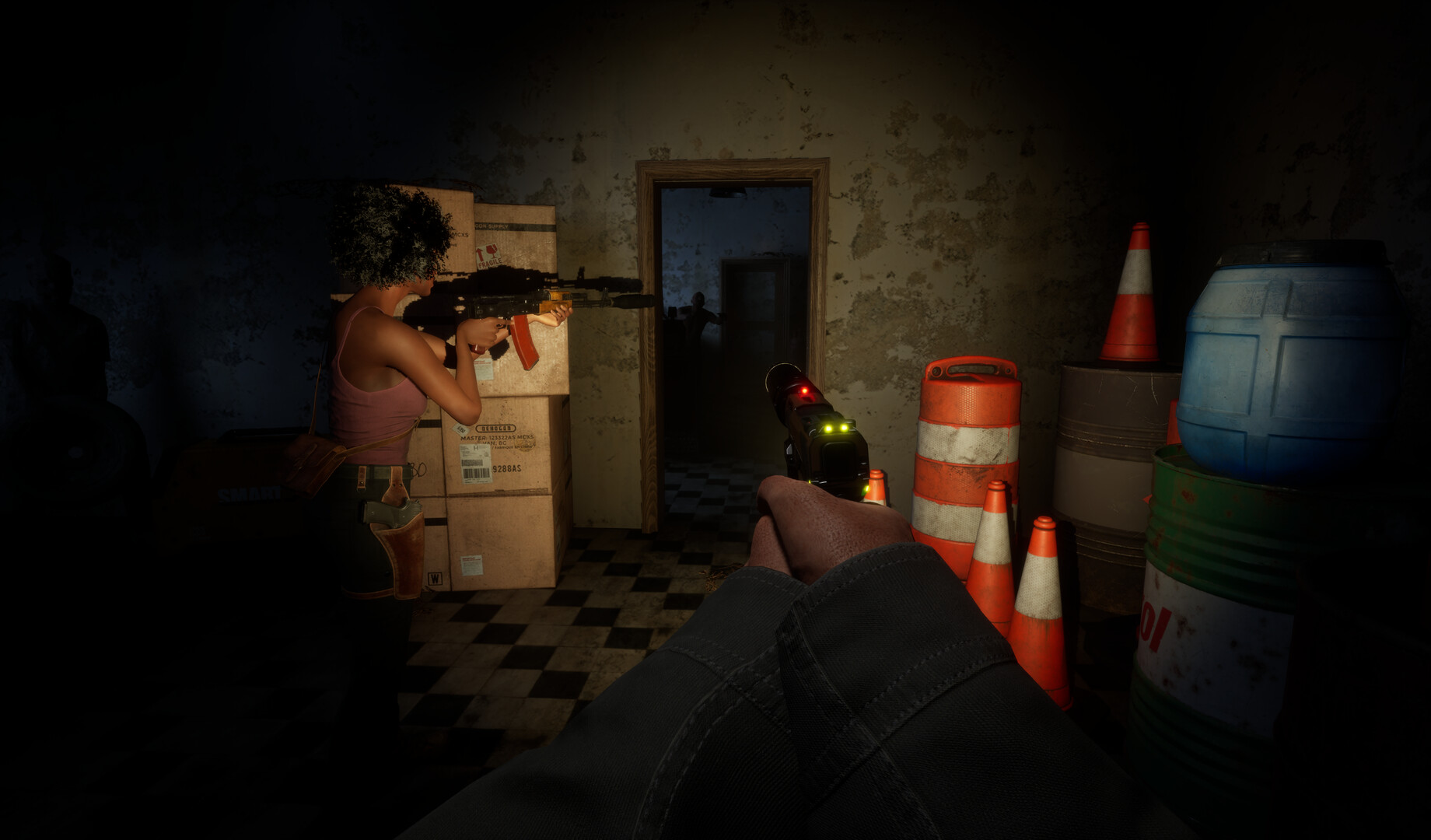
Source: Official Steam page / Cornfield Games. Game media © Cornfield Games.
Begin with the information system
Cornfield Games describes the phone as a central survival tool. Practical tasks are researched through an in-game internet instead of an all-purpose survival handbook. For a new player, that means knowing how the phone fits into the game is part of learning the basic loop.
The fictional internet includes distracting and unreliable information. A page appearing in search should therefore be read rather than treated as automatically correct. This is the developer’s stated design, not an indication that every search result unlocks the same kind of action.
Separate learning from making
Searching for a task and opening its crafting interface are different actions. The developer’s direct workbench reply points players to the Notes app crafting menu. That gives a concrete place to look after researching what an item involves.
This distinction explains a documented source of confusion in the demo. A player reported having a workbench but being unable to use recipes nearby. CG Team answered with the phone-menu instructions rather than telling the player to interact with a new bench screen.
Read the workbench proximity indicator
Notes includes an indicator that reports whether the character is near a workbench. The developer explicitly identifies it in the June 29 reply. Check that information inside the crafting interface when the bench requirement is the part you are trying to understand.
The indicator is more specific guidance than a generic suggestion to rebuild your base. It addresses the interface described in the source thread. The developer also acknowledged that the explanation was not obvious enough and said a short help system was being prepared.
Read demo feedback with its date attached
A separate player impressions thread describes recipe-search friction. The developer’s reply discusses additional search tags and easier flashlight use. That exchange documents the team responding to feedback during development.
An older complaint should not be turned into a permanent control requirement. Likewise, a planned improvement should not be labelled as already shipped without a matching source. The useful beginner advice is to learn the documented interfaces while keeping the demo context visible.
Find the guide for the problem in front of you
Use the crafting article for the relationship between research, Notes and the workbench. Use the smartphone article for the broader research and navigation role. Each page separates a specific question from a general description of the game.
The beginner material does not establish a best starter character or a fastest unlock order. It also does not demonstrate a complete launch-build opening route. This guide therefore stays focused on fundamentals that the developer actually explains, rather than adding a fictional sequence of objectives.
Use the developer sources for the exact instruction
The workbench thread below contains the directly relevant CG Team answer. The announcements provide the wider explanation of phone research as a survival system. Reading them together connects the practical menu instruction to the design behind it.
This guide is based on the research checked on October 15, 2026. Demo instructions are labelled where they occur. The related articles let you continue into a narrower topic without treating a short orientation as a complete tested walkthrough.
Sources
Independent fan coverage. Official descriptions and dated demo reports are identified in the article.